【PR】
Understanding the Estimated Roast Level
The roast level is determined by the Roast Index (Green Weight / Roasted Weight). As beans are roasted longer, they lose more moisture and organic matter, increasing the index.
| Roast Level | Roast Index | Characteristics |
| Light / Cinnamon | 1.10 – 1.15 | High acidity, tea-like body. No oils on the surface. |
| Medium / High | 1.15 – 1.20 | Balanced acidity and sweetness. Standard for many specialty coffees. |
| City / Full City | 1.20 – 1.25 | Rich body, slight bitterness. Tiny oil droplets may appear in Full City. |
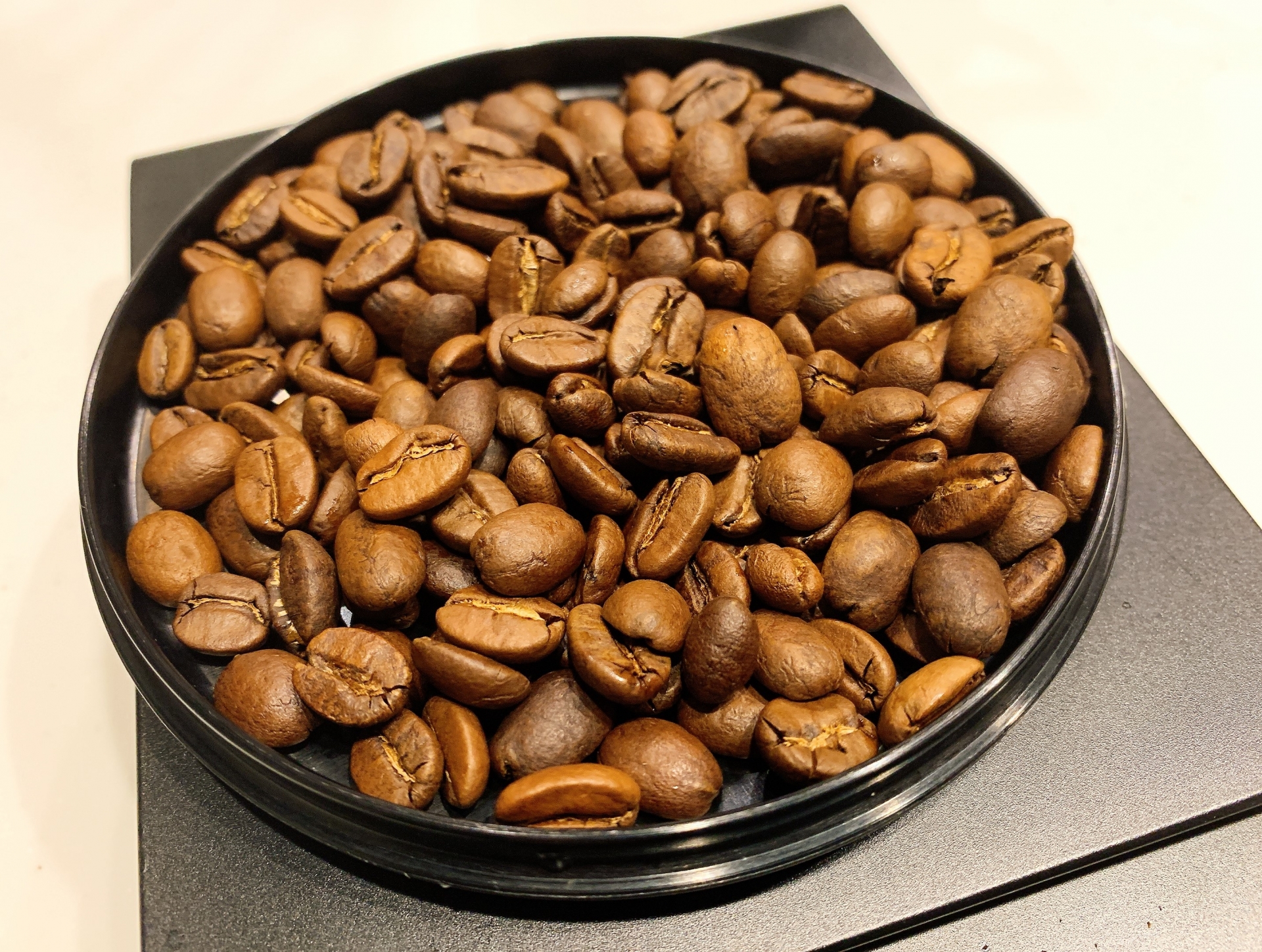
| French / Italian | 1.25 – 1.30+ | Strong bitterness, smoky aroma. Beans look oily and dark brown/black. |
TOC
How to Use the Roast Calculator
Tracking the weight loss of your coffee beans is one of the most accurate ways to determine the roast level. Use this tool to keep your roasting consistent!
- Green Bean Weight: Enter the weight of the beans before roasting.
- Roasted Bean Weight: Enter the weight after roasting (for best results, weigh them after they have cooled down).
- Calculate: The tool will automatically calculate the Roast Index and Weight Loss %.
- Result: Check the “Estimated Roast Level” to see if your batch is Light, Medium, or Dark.
【PR】
What is the Roast Index?
The Roast Index is a numerical value representing the degree of roast, calculated by dividing the green weight by the roasted weight.
- Typical Range: Usually stays between 1.05 and 1.35.
- Weight Loss: Most roasts result in a 12% to 22% weight loss.
【PR】
Comments